

A CRM your sales and marketing teams actually trust.
A CRM your sales and marketing teams actually trust.
A CRM migration is more than moving data from one system to another. We migrate from your existing CRM to HubSpot, design the pipeline architecture and attribution model to match how you sell, and integrate the result with the rest of your stack. Your team ends up with clean data, traceable attribution and a pipeline picture that sales and marketing share.

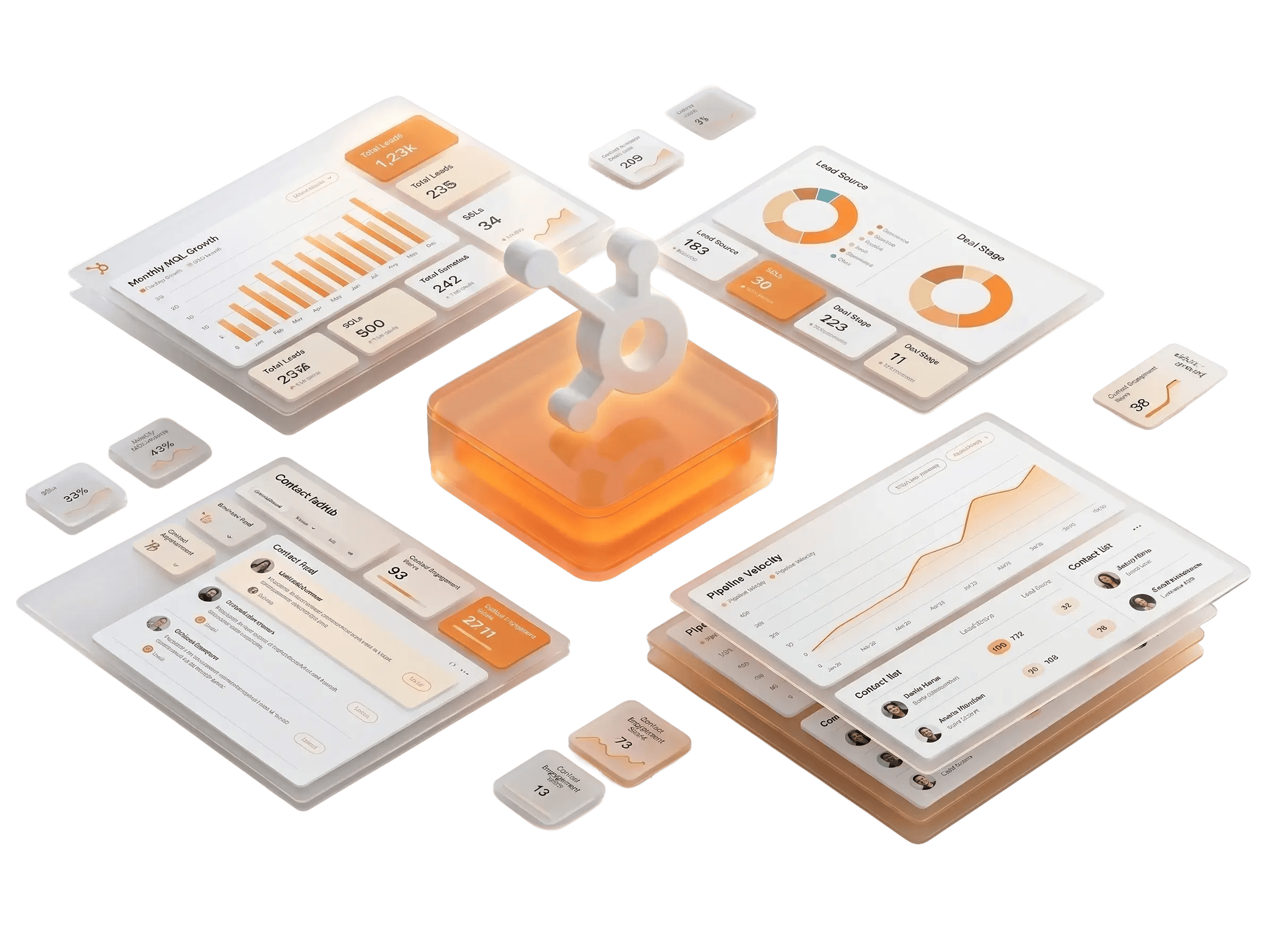

What a HubSpot CRM migration covers

Source CRM audit and data assessment
We dig into what's actually in your current system: clean records, duplicates, dead data and gaps in attribution history. The audit drives what gets migrated and what doesn't.
Object and field architecture
Contact, company, deal and custom object models designed around your sales motion, not HubSpot's defaults. We build the data structure to match how your team qualifies, manages and closes opportunities.
Data migration, deduplication and validation
Every record mapped, every duplicate resolved, every required field validated before import. Nothing goes into HubSpot that will create problems after.
Pipeline architecture, deal stages and routing
The sales pipeline structure, deal stage progression, required field logic and ownership rules, designed around how your team sells, not how a CRM vendor assumes you do.
Integrations
Marketing automation, sales tools, ERP and data warehouses connected to HubSpot so the CRM becomes one source of truth rather than another system the team works around.
Reporting and pipeline visibility
Deal velocity, win/loss analysis, forecasting and pipeline dashboards built so leadership can act on the data and the sales team can see where every deal stands.
Who this is for
The migration scenarios we know well
The surface situation varies. The underlying patterns don’t.
Zoho, Pipedrive and similar CRMs are sensible starting points. They’re accessible, affordable and reasonable for smaller teams. At some point, your sales motion gets complex enough that the platform becomes the bottleneck: pipeline visibility is limited, attribution is thin and the data you need to make decisions isn’t there. That’s when HubSpot starts making sense as the destination.
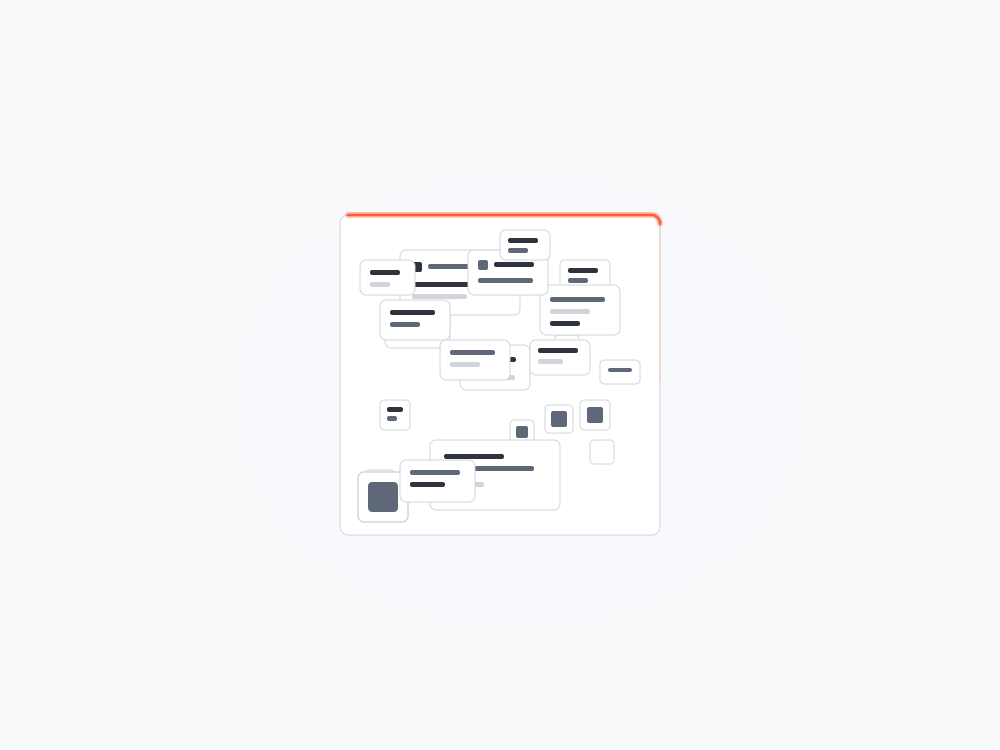
Some companies built something custom when nothing else fit. Years later, the engineers who built it have moved on, the documentation is incomplete and no one wants to touch it. A migration off a homegrown CRM requires more upfront archaeology than a standard platform switch, but the discipline is the same.
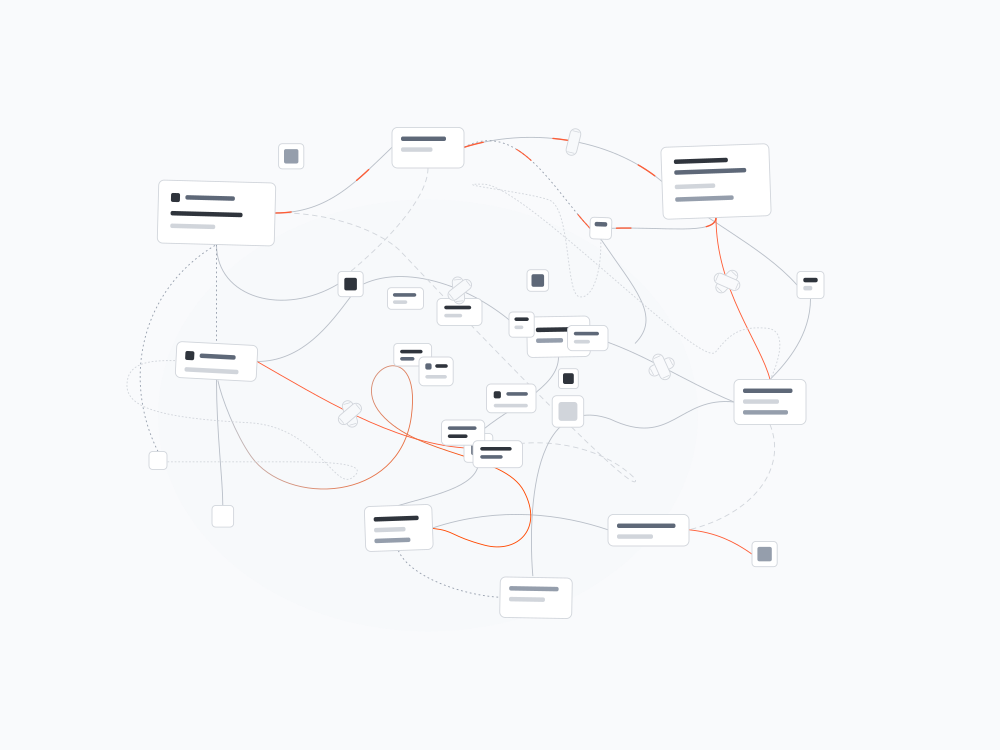
Multiple CRMs running in parallel after an acquisition means multiple sales teams working from different systems, no shared pipeline visibility and attribution that tells different stories depending on which system you look at. The work is heavier on the data architecture side, but the outcome is the same: one system the whole team uses.
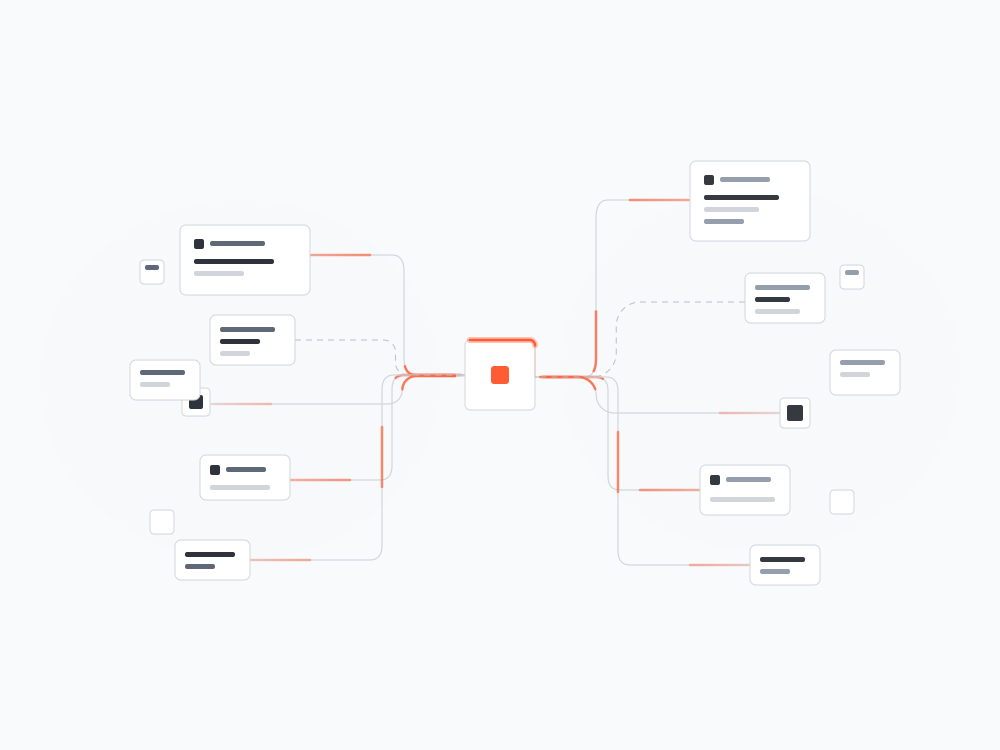
A HubSpot setup that grew without a plan ends up with duplicate properties, broken workflows and a contact database nobody trusts. A migration in this case is a rebuild: audit what exists, strip out what doesn’t work and stand up a clean architecture your team can use.
The RAB2B difference
A CRM migration designed by the agency that builds the rest of the system.
Most HubSpot partners migrate your data and configure the platform. Ask them about the lifecycle model, the routing logic and the attribution architecture and they'll build whatever you specify. We design those things, because we've spent years building the marketing-to-sales motion for complex B2B companies and we know what good looks like. The migration is the foundation. The architecture decisions made during it determine whether the CRM becomes the tool your team trusts or another system they work around.


Tell us where you are. We'll help you see what's possible and how we'd build it. No pitch. Just a clear picture of where to start.


Steve Cabrera
Schedule a meeting with Steve to discuss your current infrastructure and project goals.
We're on it.
Thanks for telling us where you are. Steve and the team will dig into your setup and reach out within a business day with a clear picture of what the build looks like.
In the meantime, keep an eye on your inbox.